The easiest way to Identify if you have admin permissions is to look under your name in the top right corner.
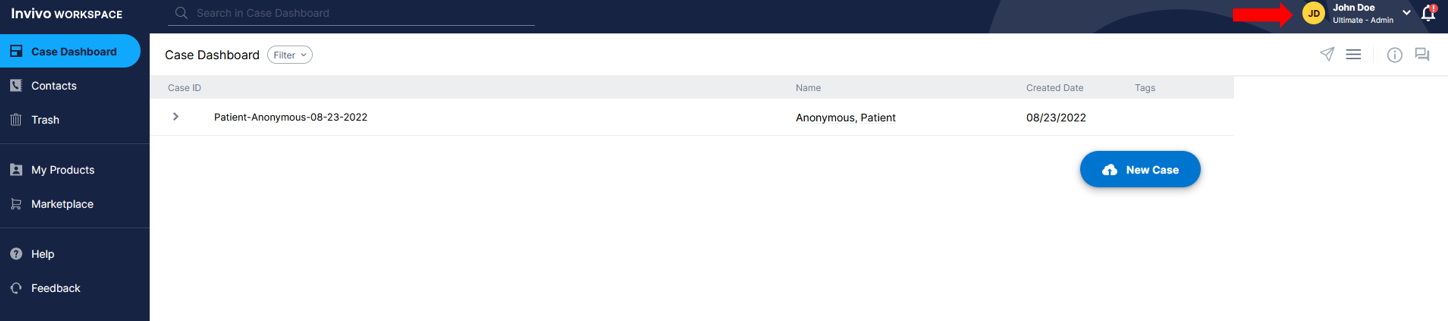
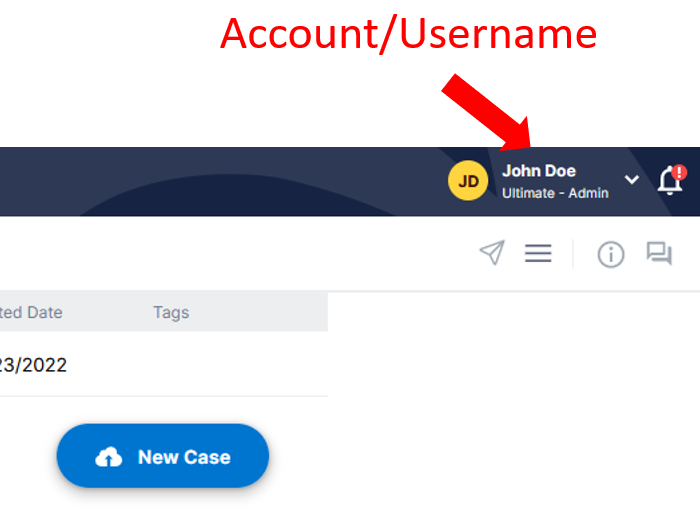
Here you can see the account / Username of the account.
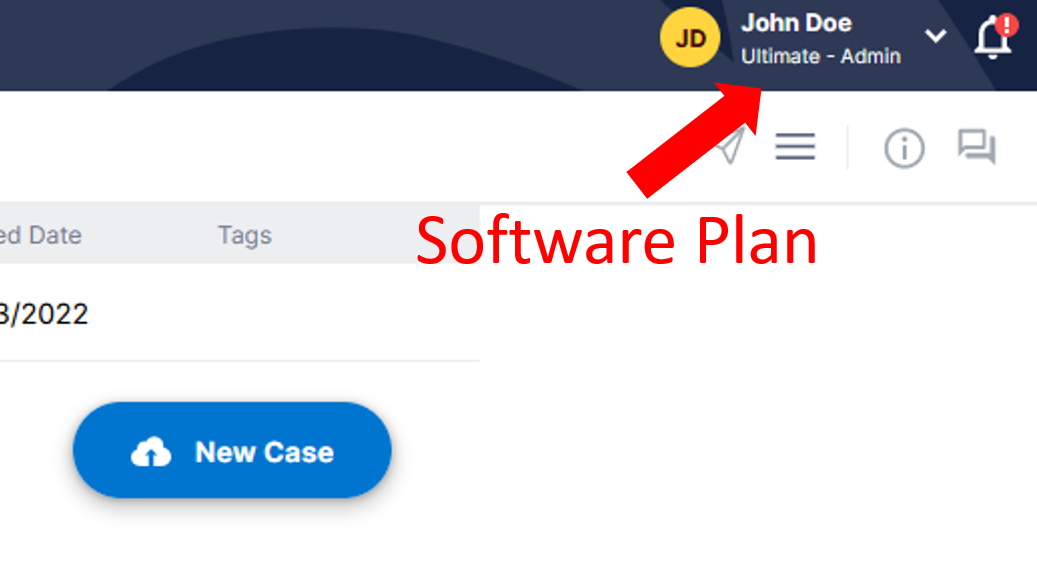
The Software Plan tells you what plan your currently working with.
and the Permission Level lets you know if you are a User or Admin of an account.
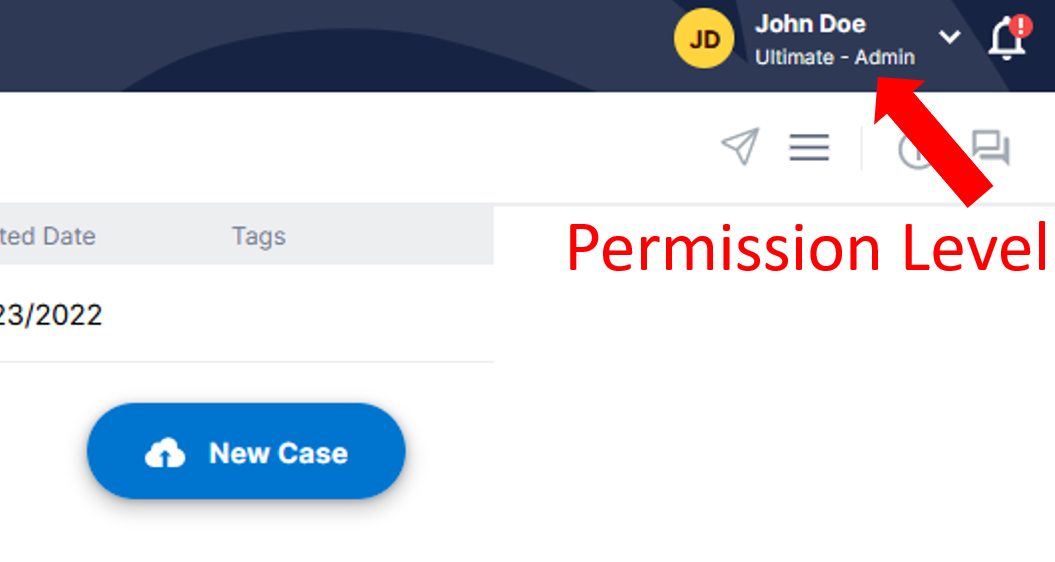
If your account displays Users then you are not an Admin. To become an admin, request the admin permission level from an existing admin in your organization.